Build and ship your own portfolio site

A one-day, hands-on workshop where you turn your own content + taste into a real coded site you own, deploy, and maintain yourself.

No templates, no AI slop, no subscriptions.

The stack we'll be building with

  • GitHub
  • Vercel
  • Astro
  • Figma
  • Vite
  • Cursor
  • Umami
  • GitHub
  • Vercel
  • Astro
  • Figma
  • Vite
  • Cursor
  • Umami
  • GitHub
  • Vercel
  • Astro
  • Figma
  • Vite
  • Cursor
  • Umami

What you'll build

A deployed portfolio site in your own taste, on your own domain, built on a stack you control.

We all work from the same starter, but everyone's site turns out different. You leave owning the code and the content, with a workflow you can run again on any project after the day ends. And the confidence to ship without waiting for a template, a plugin, or an engineer.

My portfolio

Who it's for

Designers who are comfortable in Figma and want to own a real site instead of renting a template. Junior designers refreshing for the job hunt and Senior designers who want a site they fully control both get a lot out of it.

You don't need to be a developer. A good part of the day is technical and I walk you through all of it. If you can find your way around Figma and you know what good looks like, you have what you need.

Designers or other creatives
Comfortable in Figma
Know what good looks like
Want full control of your site
No coding experience required

What to bring

Your content

Copywriting, images, case study material, whatever should live on the site.

If you have an existing portfolio on Webflow, Framer, or Squarespace, ensure you have the login and we'll pull your content across.

If you want your site deployed to a custom domain, you'll need to buy your own domain name and we'll configure DNS settings together.

Your taste

Anything that points at how you want the site to feel: A moodboard, a few sites you love, a favourite accent color. The more you bring, the more your site will look like you.

Cursor

A paid Cursor plan, installed and signed in before the day.

You don't need to know how to code, but it's helpful to have some familiarity with the terminal and basic web development concepts.

A laptop and charger

This is a hands-on workshop so you'll need to bring all of your own tools. Bring whatever you need to get the job done.

How the day flows

One full day, two sessions, with a break for lunch. We build from the plumbing up to a live site.

Morning

Foundation and structure

Set up the project, connect it to GitHub and Vercel, and ship a first test page so you know how to deploy and maintain the site yourself. Then lay the Astro foundation: the skeleton of the site, and how components and pages fit together.

Lunch break

Step away, eat, and come back ready for the afternoon.

Afternoon

Taste, content, and ship

Translate your aesthetic into a design system using design tokens. Drop your content in and build the core pages: a homepage, an about page, and a reusable work template for projects and case studies. Then push it all live, set up a custom domain, and add a staging URL so you can keep iterating safely afterward.

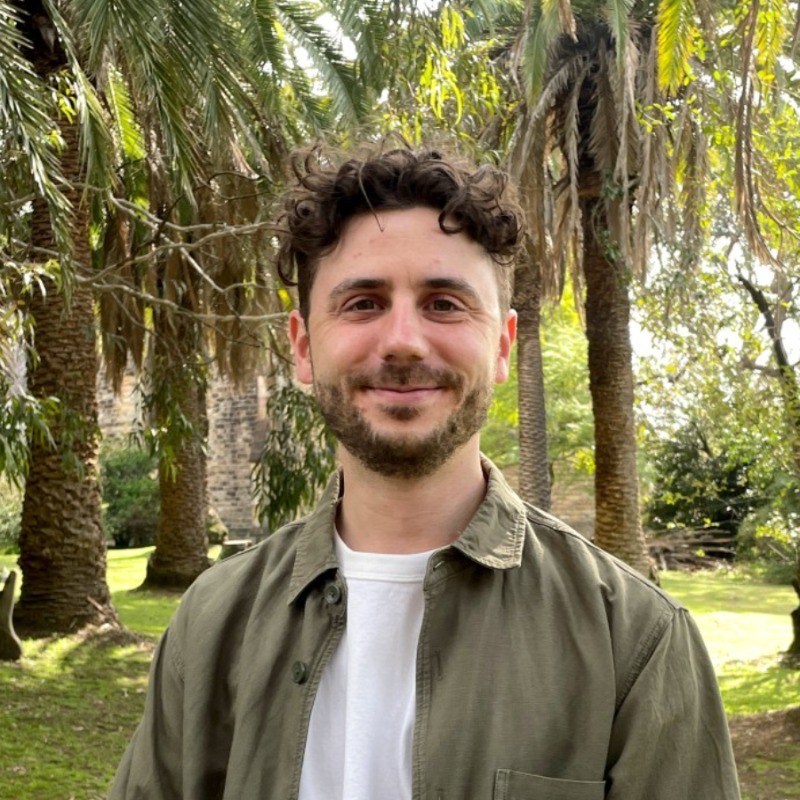
Josh Pindjak
Josh Pindjak
Sydney, Australia
Senior Product Designer with a background in Graphic Design
12+ year career working with founders, tech startups, and agencies
Loves coffee, bushwalking, and soft pretzels

Your host

I'm Josh, a senior product designer based in Sydney with about a decade of experience, mostly as the first or only designer at early-stage B2B SaaS startups.

This workshop came from my actual process of building. Tabba, a browser extension I built and shipped, came out of this exact workflow, and I gave a talk on it at a recent Cursor Sydney meetup. My own portfolio website runs on the same stack you'll use here, so you're learning the process I actually use, not a demo version of it.


Ready to ship?

Five seats, one day, a portfolio site that's actually yours.

Questions

Why is it free?
This first cohort is free while I shape the workshop into its final form. These early runs are my prototype, and your real-world feedback is what makes the paid version good.
What's the catch?
No catch. You get the full day for free. In return, after the workshop I'll ask you to do two things: share your finished site with me so I can see how it landed, and write a short, honest testimonial about the experience. If something didn't work, I want to hear that too. That's the trade. Your feedback for your site.
Will future runs be paid?
Yes. Five seats this time, so everyone gets real attention.
Do I need to know how to code?
No. You need design sense. The agent writes the code and I walk you through the technical parts step by step.
My current site is on Framer or Squarespace. Can I move it?
Bring access and your content and we'll move what we need into the new site. We're rebuilding it properly on a stack you own, not running an automated export. Depending on your current site, there might be some manual copy and paste, and additional editing required to get it looking right.
Will it be finished in one day?
You'll leave with a live site on your own domain. Content and polish always continue after, which is why we set up a staging URL so you can keep going safely. I can't guarantee your entire site will be finished in one day (this depends on the complexity of your site and how fast you work), but you'll have a solid foundation to build on.
What do I need installed?
Cursor with a paid plan, signed in. I'll send full setup steps a week before the workshop. Using a Free Cursor plan is not recommended as you'll hit limits fairly quickly.
Is this for beginners?
It's for designers, at any level, who already know what good looks like. If you're brand new to design, this probably isn't the right starting point. There are some technical parts (Github, command line, basic CSS, etc.) in the workshop, but I walk you through all of it step by step. If you're a seasoned developer, you might get some value from the designy parts, but you'll probably get a lot of information you already know.